
Lock/Unlock Functionality For Products, Trips and Deals
Locking and Unlocking Entities
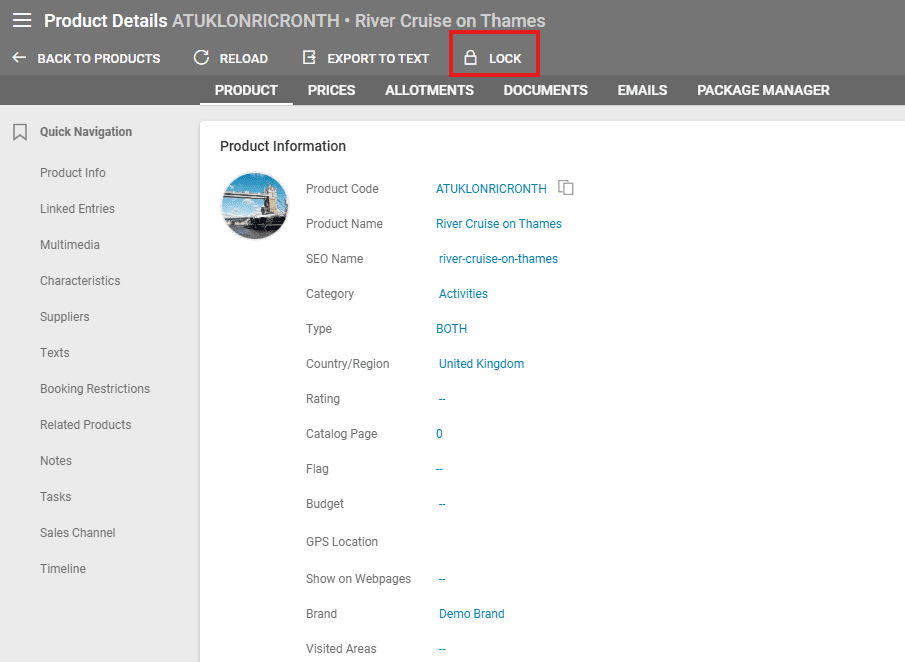
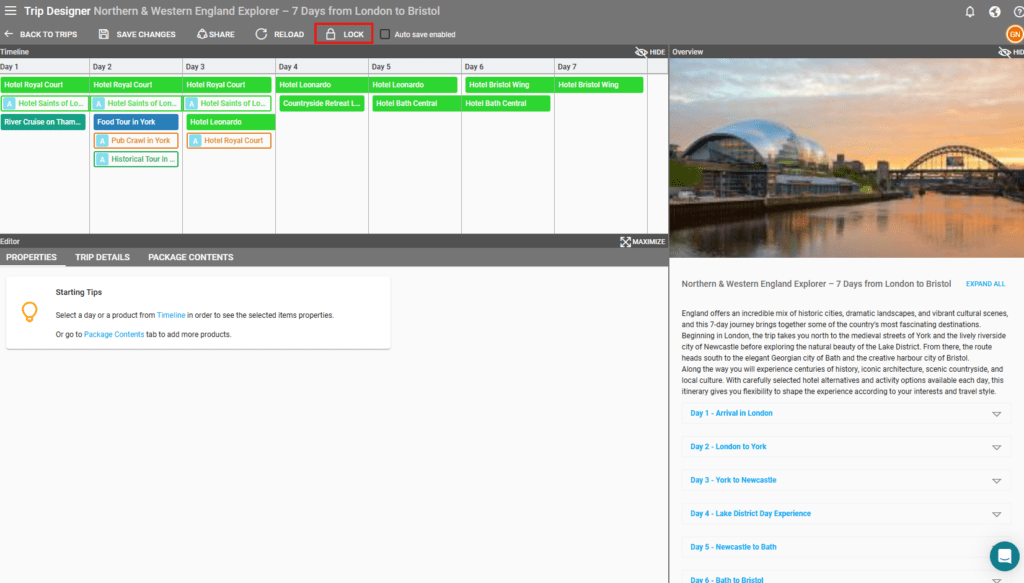
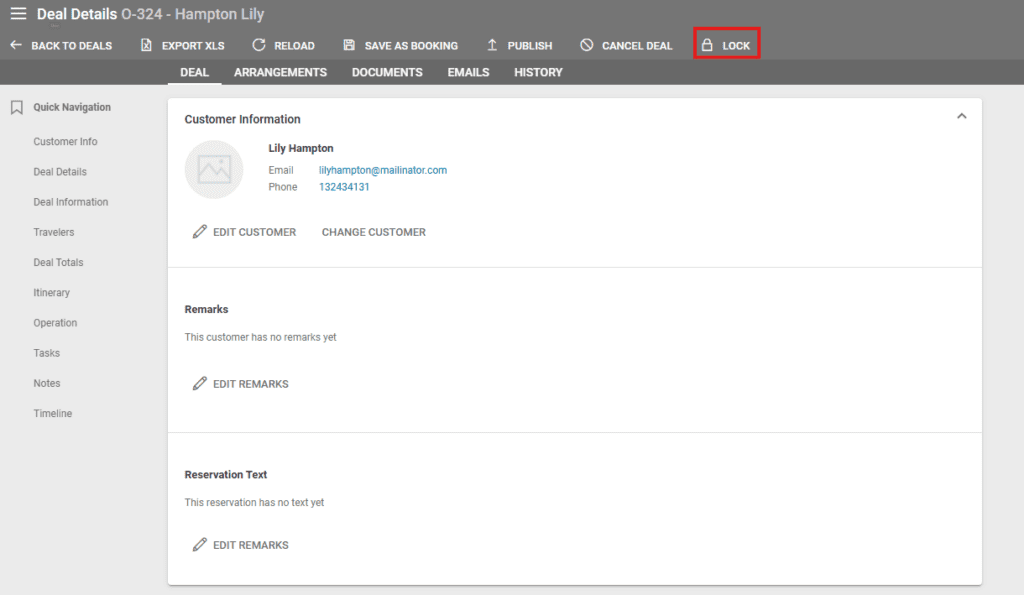
The lock/unlock functionality is restricted exclusively to users with an admin role in the following areas:
- Product list and Product details – upper button row
- Trip list and Trip details – upper button row
- Deal Details
Product and Trip Locking
Once a Product is locked, the related trip entry should also be locked. For locked products, at the product level, the fields below are not editable:
- Product Information / Country/Region
- Product Information / Publish on Web
- Extra Fields (all)
- Multimedia (all)
- Texts (all)
- Package Manager
Once a Trip is locked, no changes can be made in the Trip Designer.
When a locked Product/Trip is included in a deal, their locked status does not affect the Deal/Arrangements and the Deal-related Trip, meaning these will not automatically be locked.
Deal Locking
A deal can be locked manually using the Lock button, thus disabling edits to the deal.
Please note that deals are automatically locked once a customer invoice is created.
Notes, Tasks and Timeline Entries can be edited in the Locked Deal interface
Operators can still edit Notes, Tasks, and Timeline Entries despite a deal being locked, allowing for easier addition of internal information.
View for Non-Admin Users
The Lock/Unlock feature is visible but disabled for non-admin users. When clicked, the system displays the following message:
“This feature is limited to admin users only.”

