Help Center
Arrangements – Batch Edit Arrangements
In the Arrangements Listing, selecting one or multiple Arrangements opens a display to edit them in batch. This edit is similar to the Product Batch edit
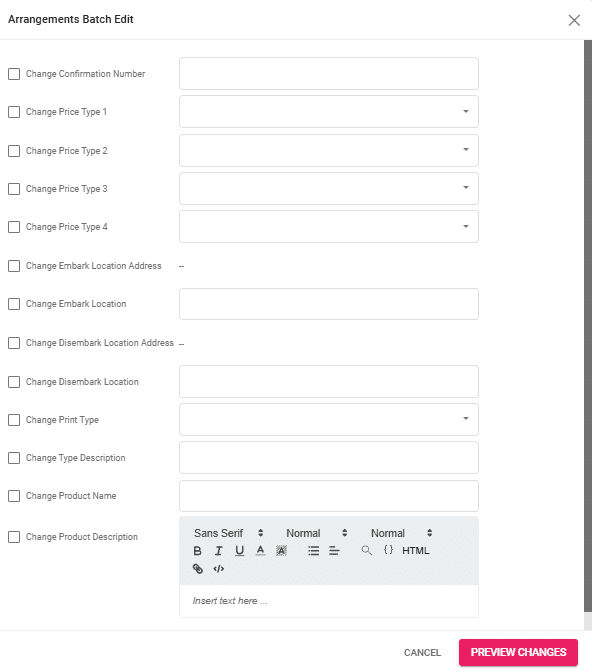
The following fields can be edited through the batch edit:
- Confirmation Number
- Price Type 1-4
- Embark Location Address and Location
- Disembark Location Address and Location
- Print Type
- Type Description
- Product Name
- Product Description
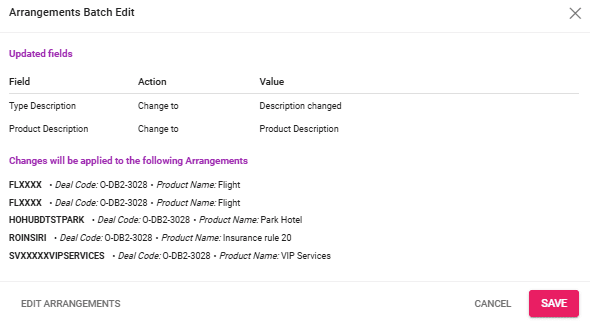
After making changes, click on the “Preview changes” to preview everything before saving. In case you need to edit more details, click on the “Edit Arrangements” button to go back to the batch edit window.