Custom Fields to Products, Customers, Persons and Deals
Custom Fields can be added to several entities in Victoury to store additional information in addition to the existing fields.
Setting up Custom Fields
Custom fields can be managed only by users with the Administrator role. Navigate to Settings / System / Custom Fields where you will find a dropdown list of the available entities:
- Product
- Product Text
- Customer
- Person
- Deal
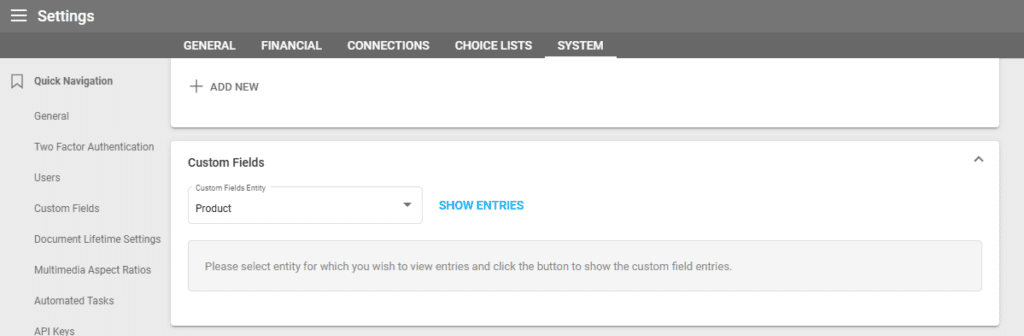
Select the entity you wish to add a custom field for and you will see the other existing custom fields. Clicking on the “Show Entries” button also displays the existing custom fields.
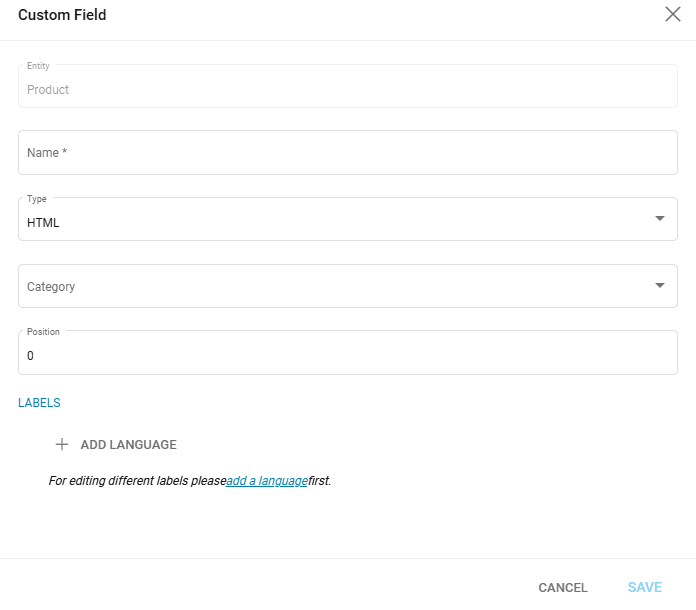
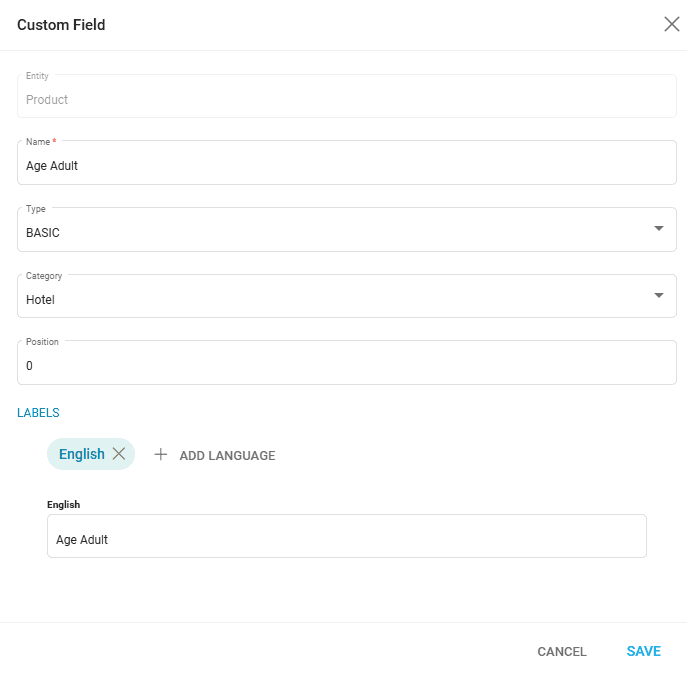
To add a new field, click on “Add new” and fill out the fields in the setup window:
- Entity – this is filled out by default depending on the chosen entity
- Name – how the field should be named
- Type – the field type
- HTML
- Markdown
- Text
- Basic – simple text field
- Basic_Choicelist – using an existing choice list defined in Settings / Choice Lists
- Basic_Boolean – a TRUE or FALSE value (checkbox)
- Basic_HTML
- Category – a product category that conditions the display of the field
- Position – the position of the field in the Extra fields section
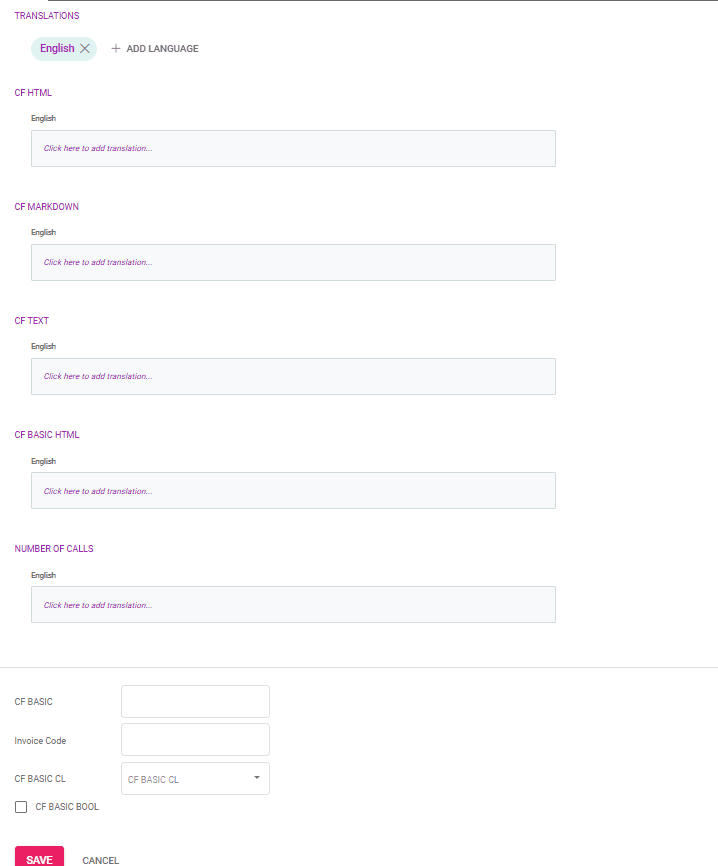
- Labels – the field label
Editing Existing Custom Fields
Clicking on the field name opens a window where you can edit the field’s details.
Deleting a Custom Field
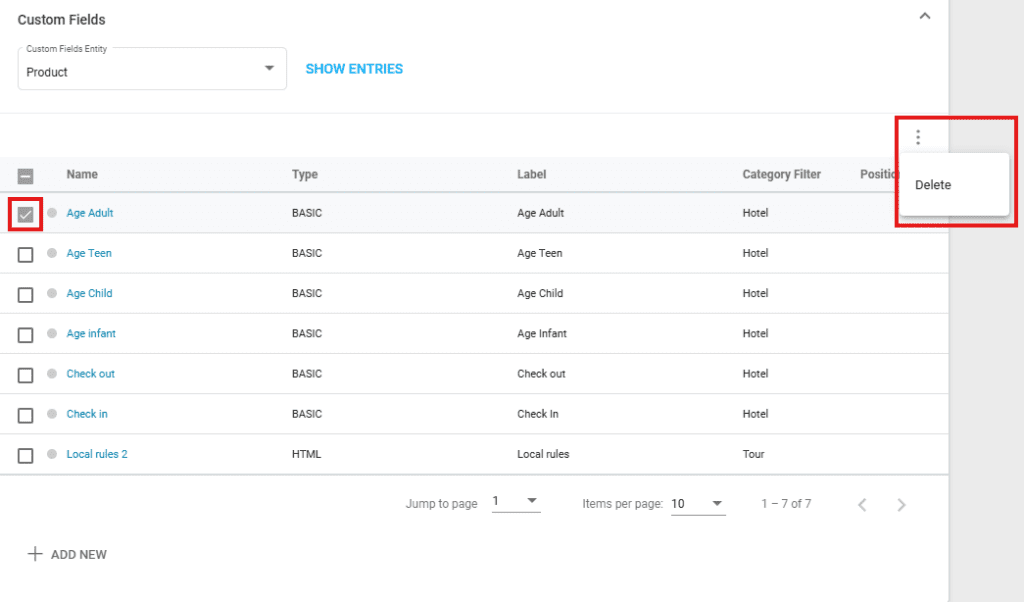
To delete one or more custom fields, select them using the checkbox, then click on the three dots in the upper right corner and select “Delete”.