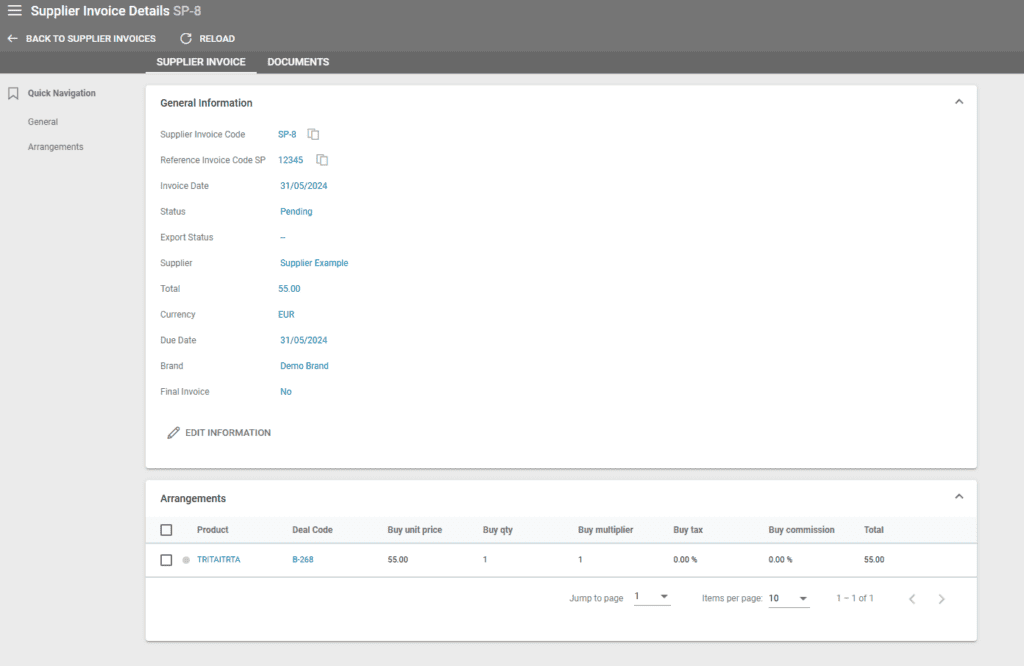
Suppliers – View Supplier Invoices List
Suppliers – Viewing All Supplier Invoices of a Specific Supplier
The list of all invoices issued for a supplier can be found under Suppliers/Supplier Details. First, select the desired supplier from the supplier listing, then open the supplier’s details. Under Operations, you will find all invoices issued to that supplier.
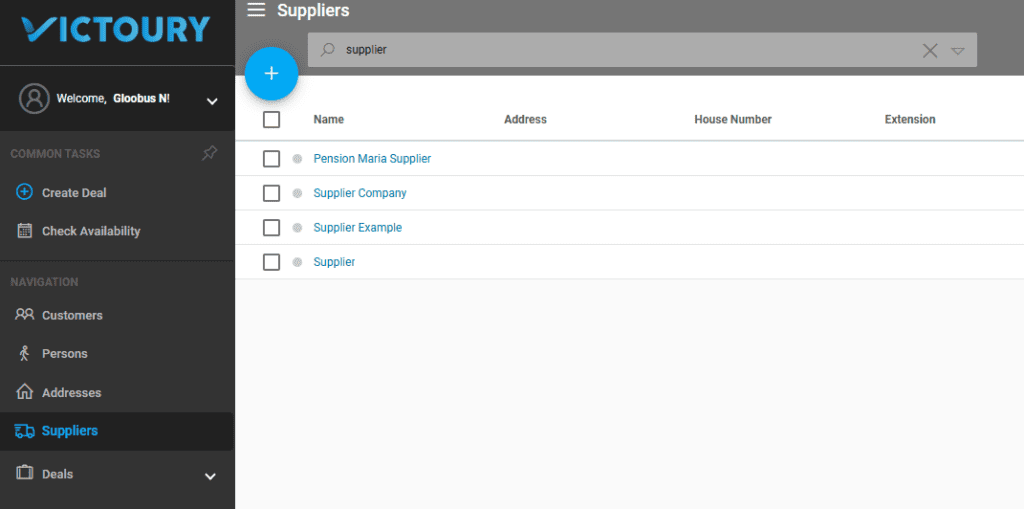
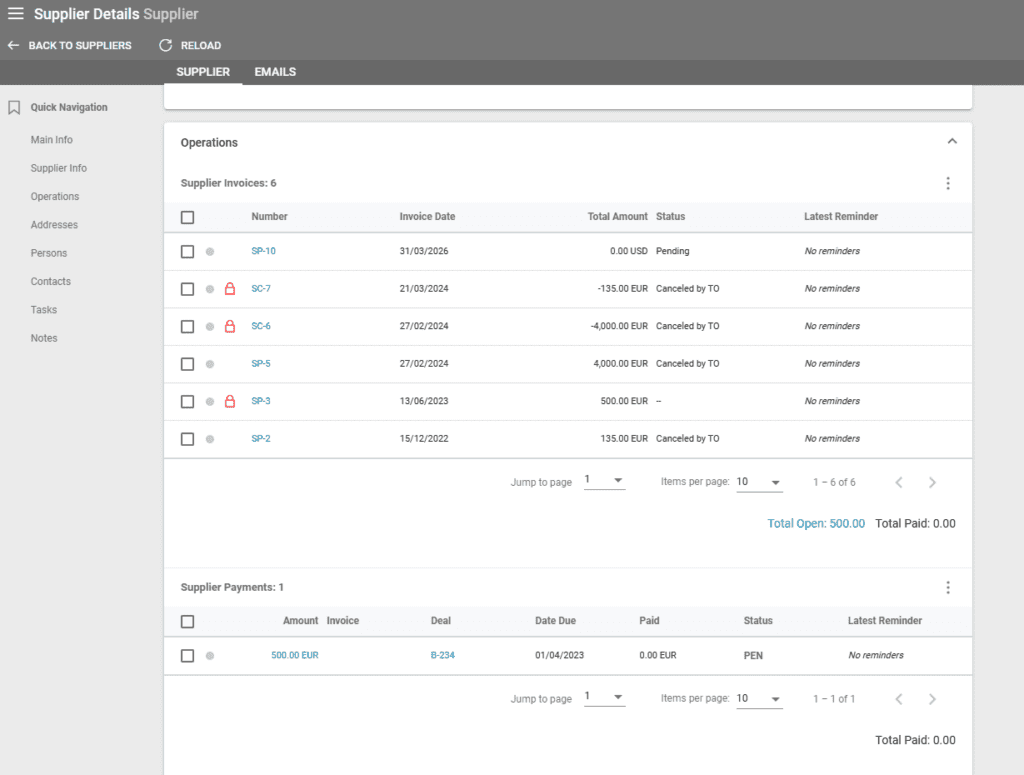
Viewing All Supplier Invoices in the Supplier Invoice Listing
To view all invoices issued for all suppliers, navigate to the Supplier Invoices list. From the main left menu, select Operations and then click on Supplier Invoices. You can search for a specific invoice using the search field and search criteria as shown in the screenshot below:
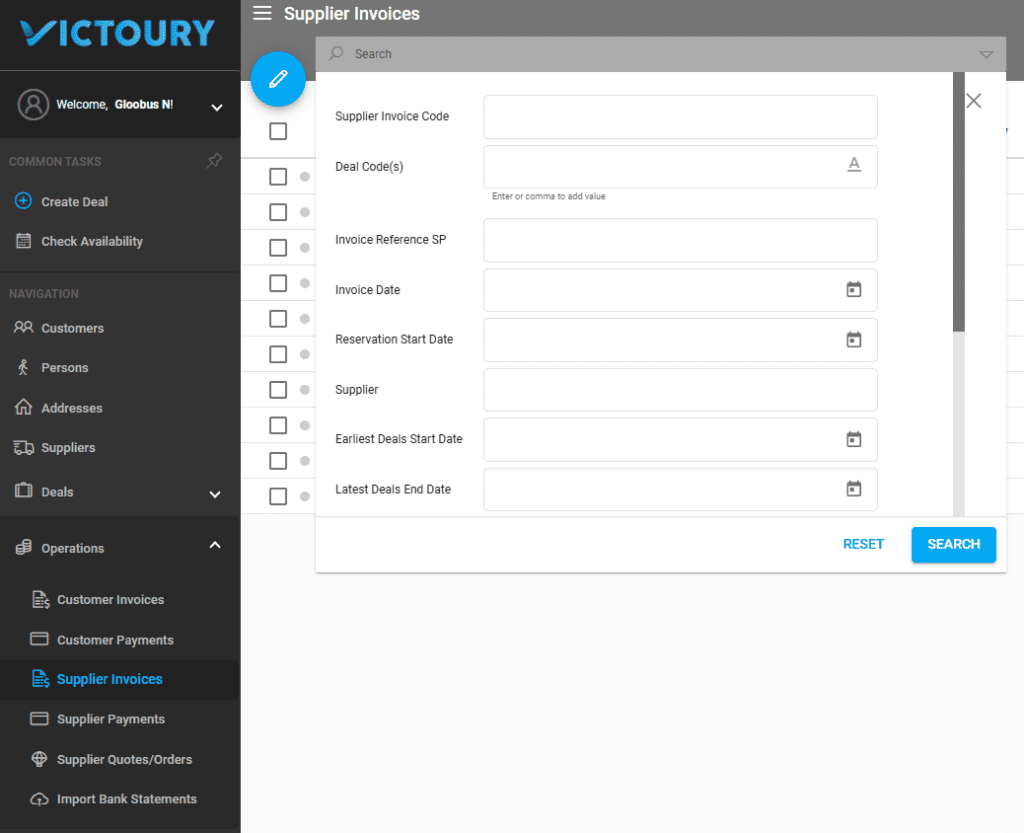
The list of invoices can be organized according to your preferences using the available search fields. The invoices in the screenshot below are all with the Status Pending.

To view the details of an invoice, click on the Supplier Invoice Code displayed in the list.