Brand Settings
Creating A New Brand
Your company might manage more than one brand. Victoury allows you to link your brands with related minisites or assign them to a specific product, customer, or user of your system. To do this, you need to follow two steps:
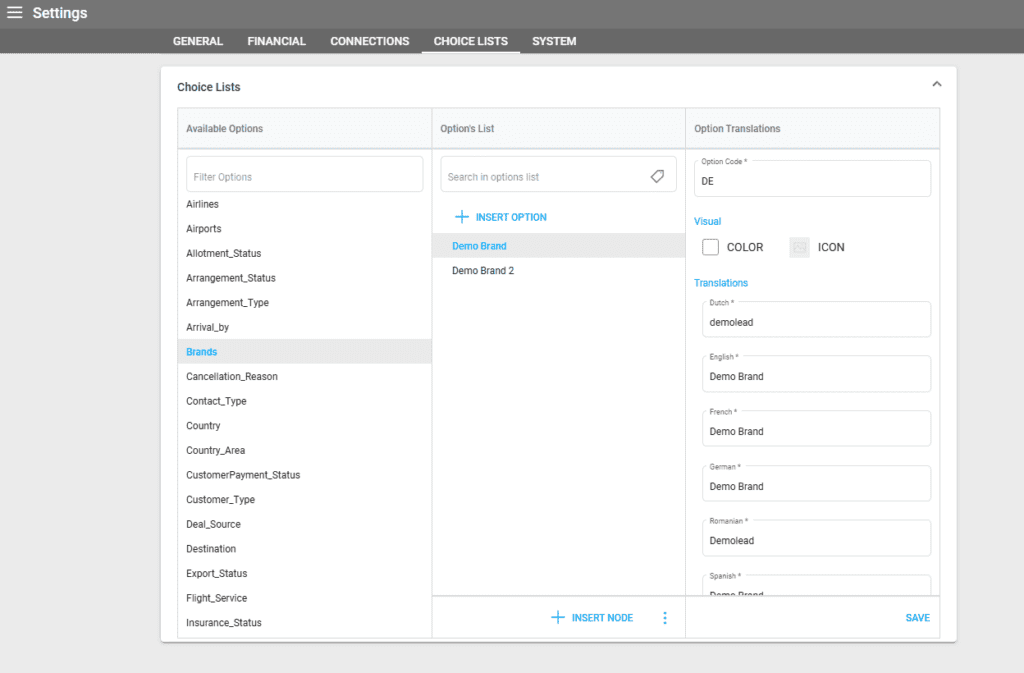
- First, create the brand in Settings/Choice List/Brands:
- Then, add the brand via the main left Menu/Brands using the same code and name created in the choice list:

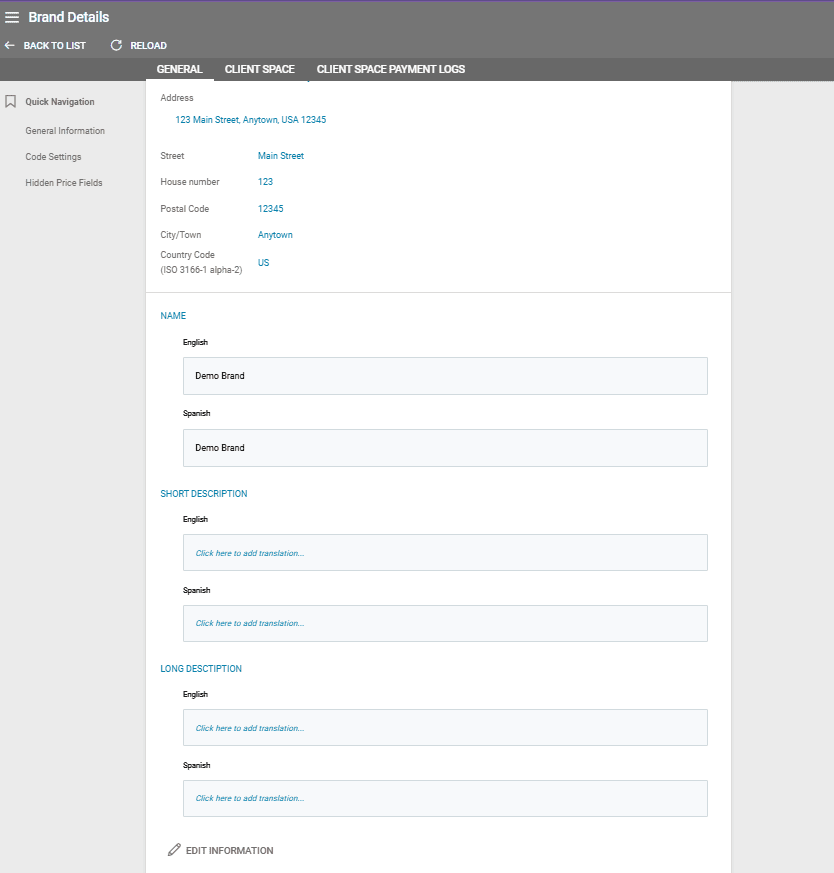
- After the brand is listed in the Brand List, click Edit and fill in all the details of the brand: translated name, short and detailed descriptions, logo. The brand’s information will be used in various places, on different documents related to your products and deals.
There are three tabs in your Brand Details:
- General
- Client Space
- Client Space Payment Logs
The last two tabs are dedicated to the tenants with the Client Space Module activated. For more information or activation, please contact your Victoury representative.
Brand Information
The General Information section has fields for your brand’s financial data, address, name, and descriptions. The text fields can have descriptions in multiple languages depending on the languages available in your environment.
Date And Number Format
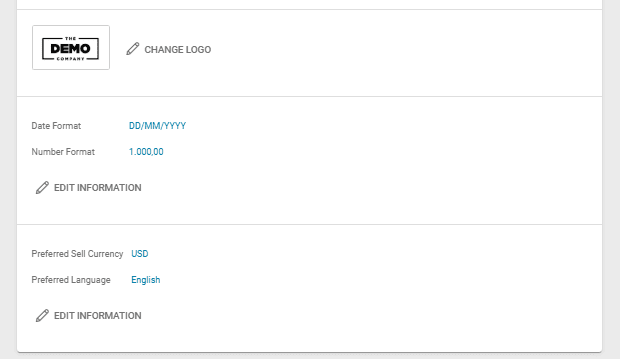
For each brand, you can specify different formats for dates and numbers. Depending on your brand’s region, you may require a specific format.
Preferred Sell Currency and Language
In the Brand Settings, a preferred Sell Currency and Language can be set. These preferences will be used by default unless a specific one is selected.
During the Booking Process at the first step, if the Brand/Profit Center is changed and it has a preferred language, the Deal’s language will also change to it.
Code Settings – Unique Identifier Code
You can assign different number ranges for each brand when creating Deals, Customer Invoices, Supplier Invoices, and Order/Quote codes.
This means Victoury will utilize the codes specified in the brand details, bypassing those set in Settings/GENERAL/Code Settings.
For instance, if the user has Demo Brand 1 selected, Victoury will apply the codes defined for Demo Brand 1.

Options for Code Settings
- Use general number range + Use brand code – the code will incorporate both the number ranges as set in Settings/GENERAL/Code Settings and the brand code (DB1 in our example).
- Use general number range without Use brand code – the code will be generated solely based on the number ranges as defined in Settings/GENERAL/Code Settings, excluding the brand code (DB1).
- When Use general number range is FALSE, the code for the deal will be constructed based on the number ranges specified in Brand Details/Code Settings, including the brand code (DB1).
Hidden Price Fields
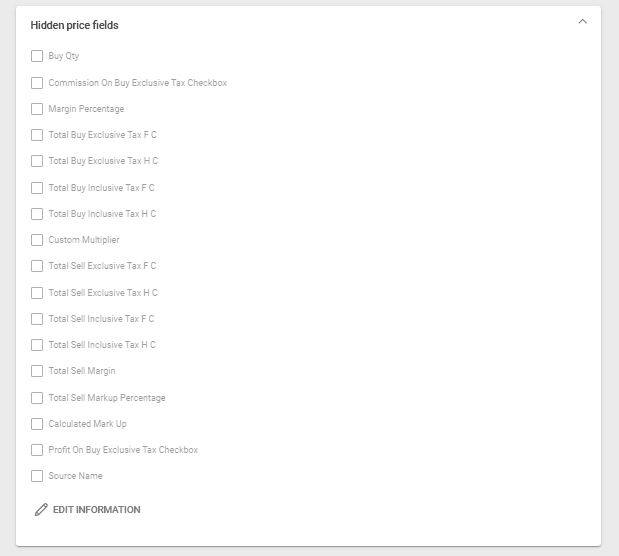
This feature enables operators to select which price fields to hide in Product Prices and Arrangement Prices.